The tryouts pipeline
Gym TeamHub tryout management — from first inquiry, to tryout, to joining the roster.
Tryouts is a pipeline: inquiries come in, athletes get scheduled and evaluated, and accepted athletes join your roster.
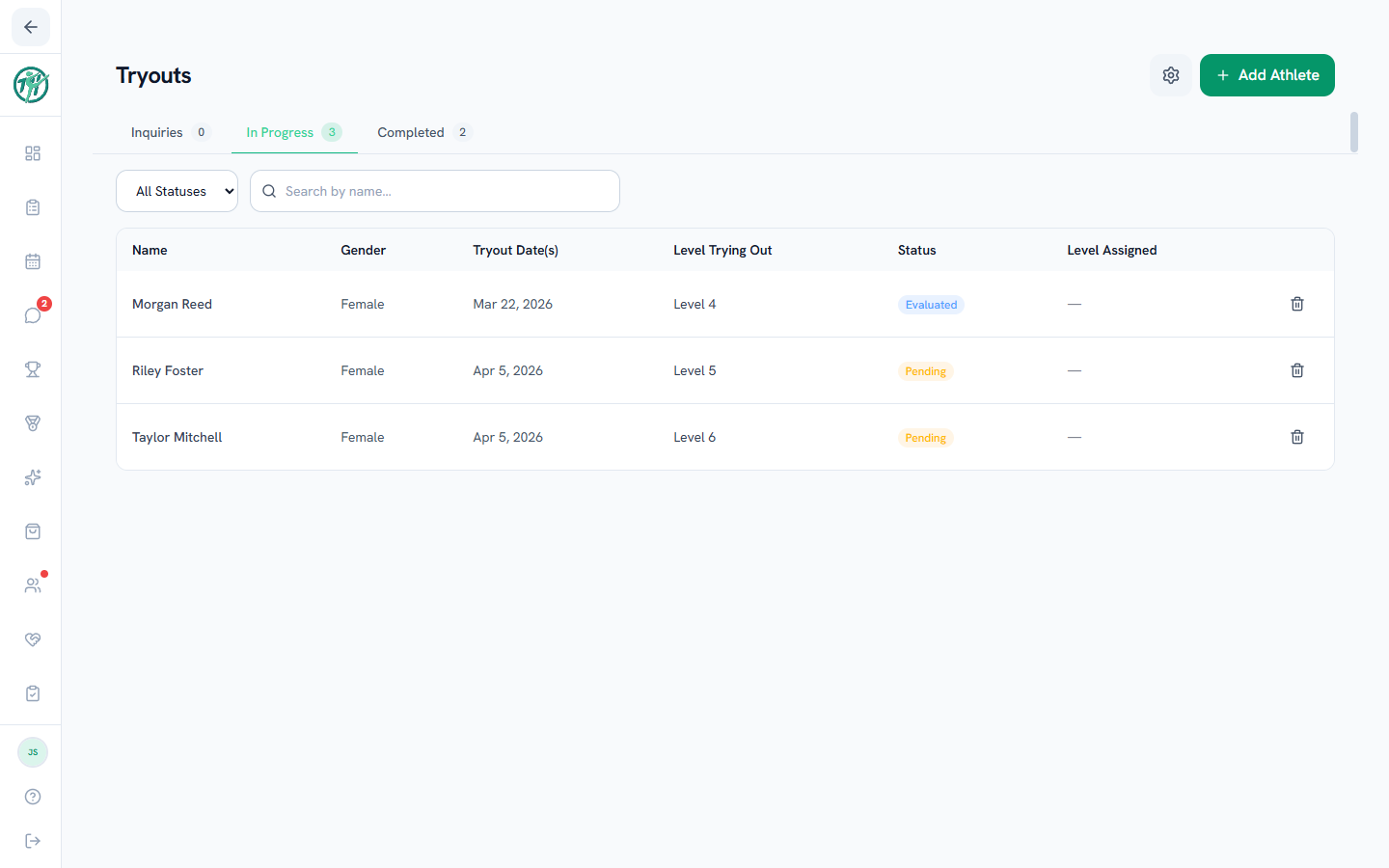
Three tabs
- Inquiries — families who've reached out. Log a new one from the add button.
- In Progress — athletes mid-evaluation. On an inquiry row, Schedule books the tryout and moves them here; the add button can also drop an athlete straight into evaluation.
- Completed — everyone accepted, declined, or already on the roster.
Status filters narrow each tab — Pending or Evaluated while in progress; Accepted, Declined, or On Roster once completed.
The flow
- A family reaches out → log the inquiry.
- Schedule the tryout → the athlete moves to In Progress.
- Run the evaluation and set the status (Evaluations and adding to the roster).
- Accepted athletes are added to the roster — no re-typing their info.
Tryout settings
The gear opens Tryout Form Settings, where you choose which optional fields the tryout athlete form asks for: Current Gym, Previous Competition Level, Strengths, Areas for Improvement, and Medical Notes.
Note
The Tryouts tab is staff-only, and tryout-type calendar events are automatically hidden from families — tryout athletes stay private until they're on the team.
Last updated September 24, 2026
New to Gym TeamHub?
One organized hub for your whole gymnastics program — built by a coach.
Start Your Gym