Groups overview
Gym TeamHub groups — shared spaces for a level, team, or booster club, with posts, photos, files, polls, and their own chat.
Groups are shared spaces inside your hub — one for each level, the competitive team, the booster club, whatever your gym sets up. Each group has its own feed of posts, photo gallery, file library, member list, and chat.
Finding your groups
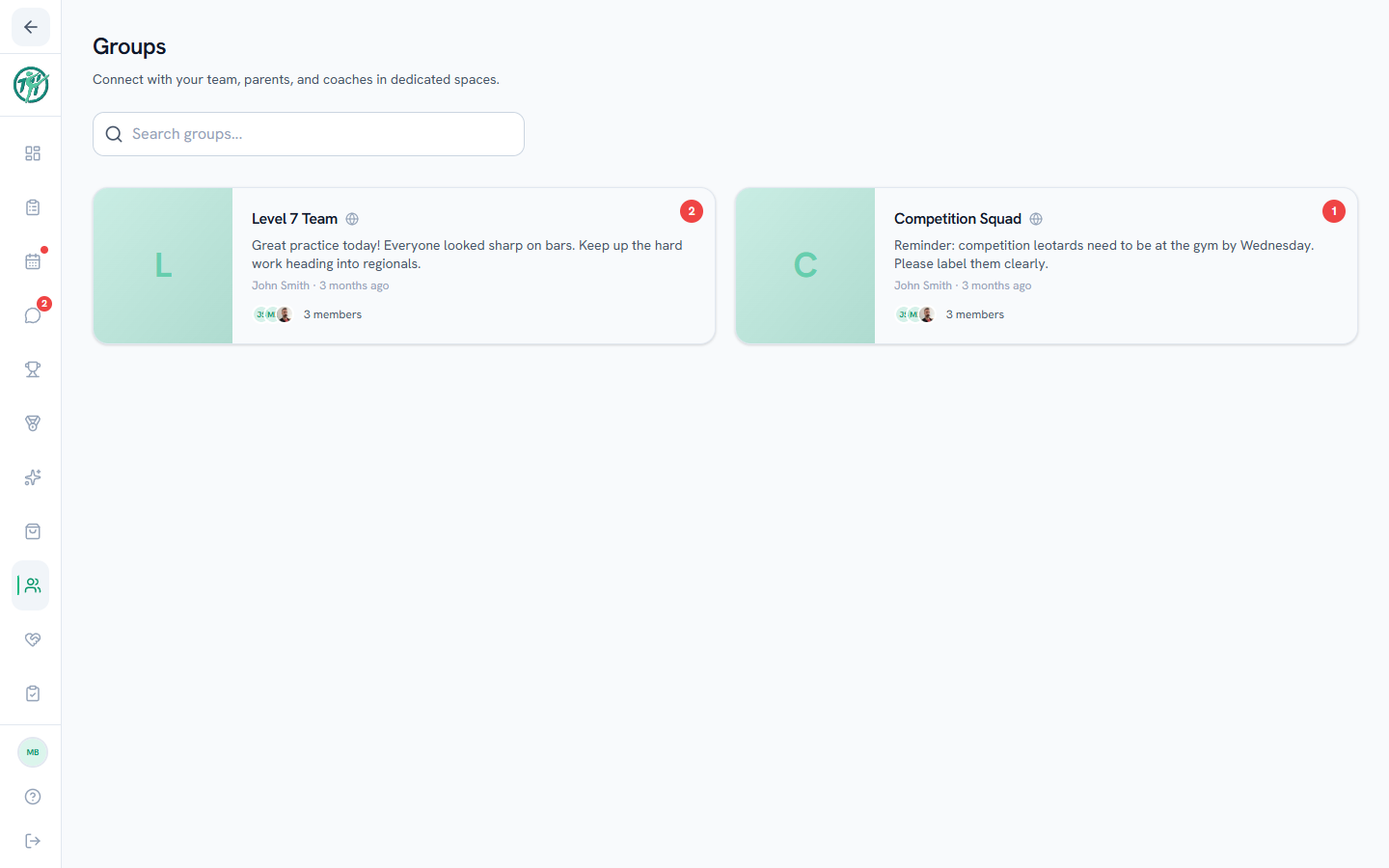
Open the Groups tab to see every group you're part of. Groups with new posts show an unread badge. Enter a group to catch up on its feed.
What's inside a group
| Tab | What it holds |
|---|---|
| Posts | The feed — updates, photos, polls, sign-ups, RSVPs, with reactions and comment threads |
| Photos | Every photo shared in the group, browsable as a gallery |
| Files | Documents and files posted to the group |
| Members | Who's in the group |
Each group also gets its own chat, listed in the Messages tab under the Groups heading — the feed is for things worth keeping, the chat is for conversation.
Creating and managing groups
Owners & directors
Group creation is an owner/director action — Create Group on the Groups tab, choosing the name and members. You can also sleep a group (hide it without deleting — handy off-season) and wake it later; owners and directors find it under Sleeping groups at the bottom of the Groups tab. Group admins can rename, re-describe, or delete a group from its Settings tab.
Sleeping a group also sleeps its message channel, so the group disappears from the Groups tab and from Messages together. Waking it brings both back with all the posts and messages still there. That means an off-season changeover needs one action, not two — and you should never need to delete a group's channel to tidy up. Deleting a channel is permanent; sleeping is not.
Note
Membership is managed by the staff, so a group's audience is dependable — a "Level 7 Parents" group contains exactly who it says.
Last updated September 24, 2026
New to Gym TeamHub?
One organized hub for your whole gymnastics program — built by a coach.
Start Your Gym