Roster overview
The Gym TeamHub roster — everyone in your program in one table, with search, role filters, and each gymnast's full profile a tap away.
The Roster tab is your program's directory — every gymnast, parent, coach, and staff member in one place.
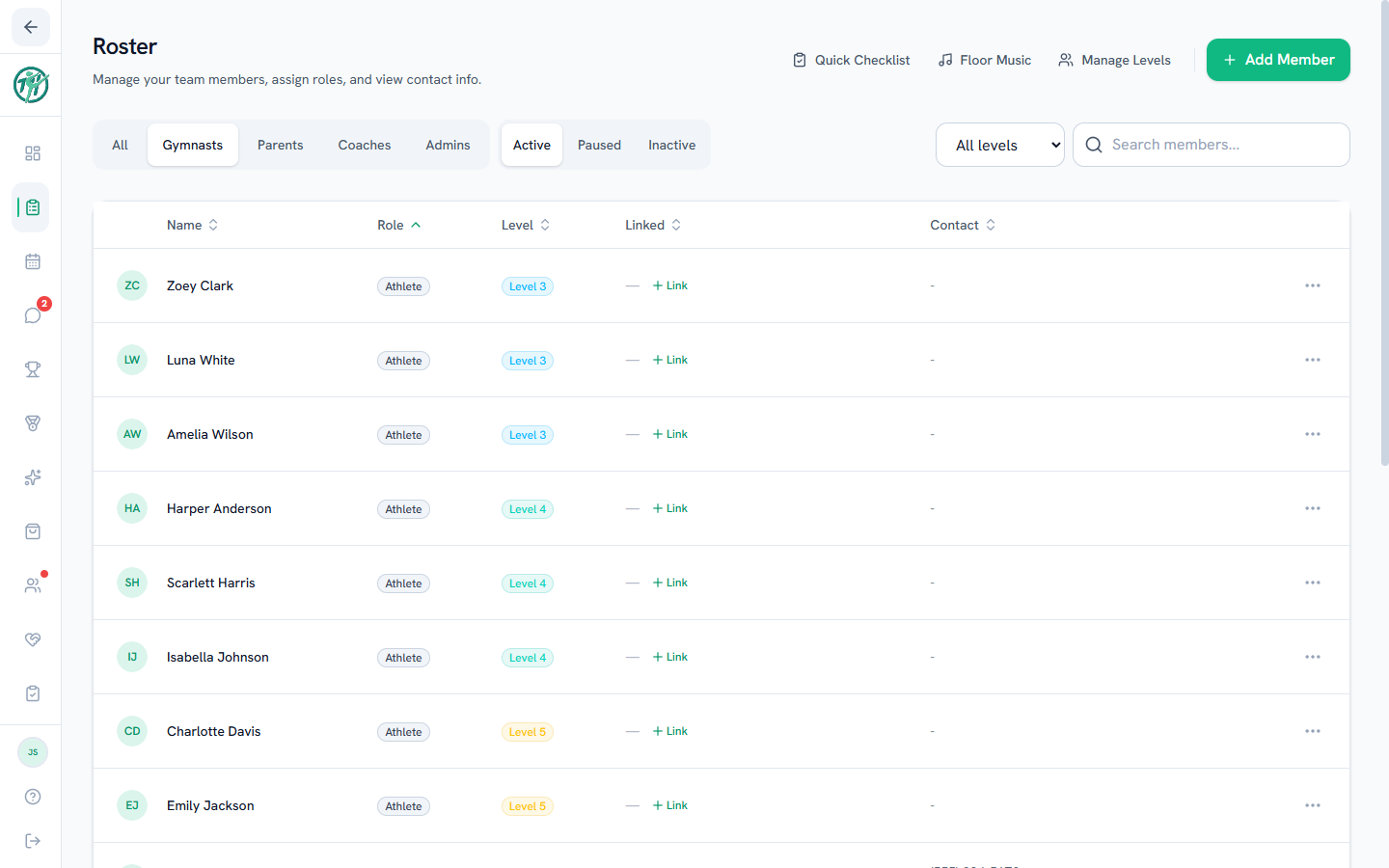
Finding people
- Search by name.
- Role tabs filter to coaches, gymnasts, parents — or everyone.
- Tap a member to open their profile (for parents, that drill-in works on your own gymnast). A gymnast's page is the full gymnast profile with skills, scores, and reports.
Parents
The roster shows you who's who — but private data stays private. You can always open your own gymnast's full profile, and they stay listed whatever their status — if they're taking a break or have left the program, a Paused or Retired pill sits next to their name so you can tell at a glance. Whether you see anyone else is your gym's choice: by default the roster shows you your own gymnast, and a gym can open it to the whole team, where other families appear as names (with level, unless their family hides it) — and only while they're active. Another family's paused or retired gymnast is never shown to you. What personal contact info other members can see of you is controlled by your own privacy settings.
Coaches & staff
The staff roster view is where you manage people: adding members, linking parents to gymnasts, and the gymnast lifecycle all live here — see Managing members and Roster admin. The Gymnasts tab adds Active / Paused / Inactive sub-tabs so the whole lifecycle is visible.
Last updated September 24, 2026
New to Gym TeamHub?
One organized hub for your whole gymnastics program — built by a coach.
Start Your Gym