Your dashboard
The Gym TeamHub dashboard explained — announcements, recent activity, upcoming schedule, and the staff view with stats and tasks.
The Dashboard is the first tab in every hub — a morning-glance summary of what's happening, shaped by your role.
What everyone sees
- Recent activity — a feed of what's new across the hub: posts, events, scores.
- Upcoming schedule — the next events from the calendar, so you don't have to open it to know what's coming.
- New announcements open as an overlay when you enter the hub — they're not a dashboard card, but the dashboard is usually where you'll be standing when one appears.
Parents
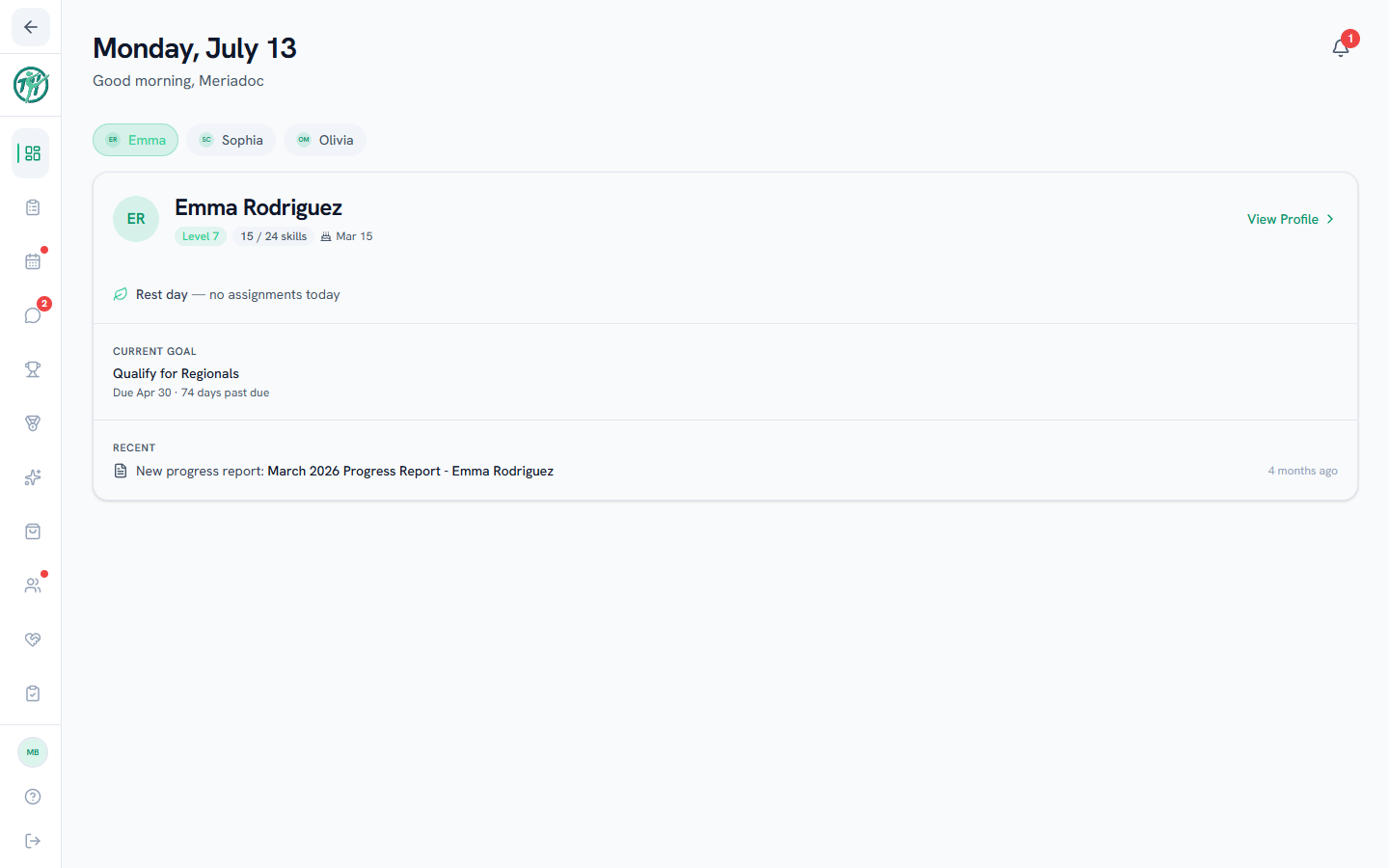
Your linked gymnast appears as a card on the dashboard. Use View Profile on the card (or View full profile at its foot on a phone-sized screen) to open their full profile with skills, scores, assignments, and reports. In the app, tap the card itself.
The card's Next up is the next meet or camp your gymnast is in, with whether they're on the roster or signed up. It shows while your gymnast is active or paused; a retired gymnast's card has no Next up. Signing up tells your coach to add your gymnast to the roster, so "Signed up" means the coach hasn't added them yet. On the web, click it to open that meet. In Upcoming (Upcoming Schedule in the app), a meet or camp your gymnast is in shows the same status beside it.
The staff view
Coaches & staff
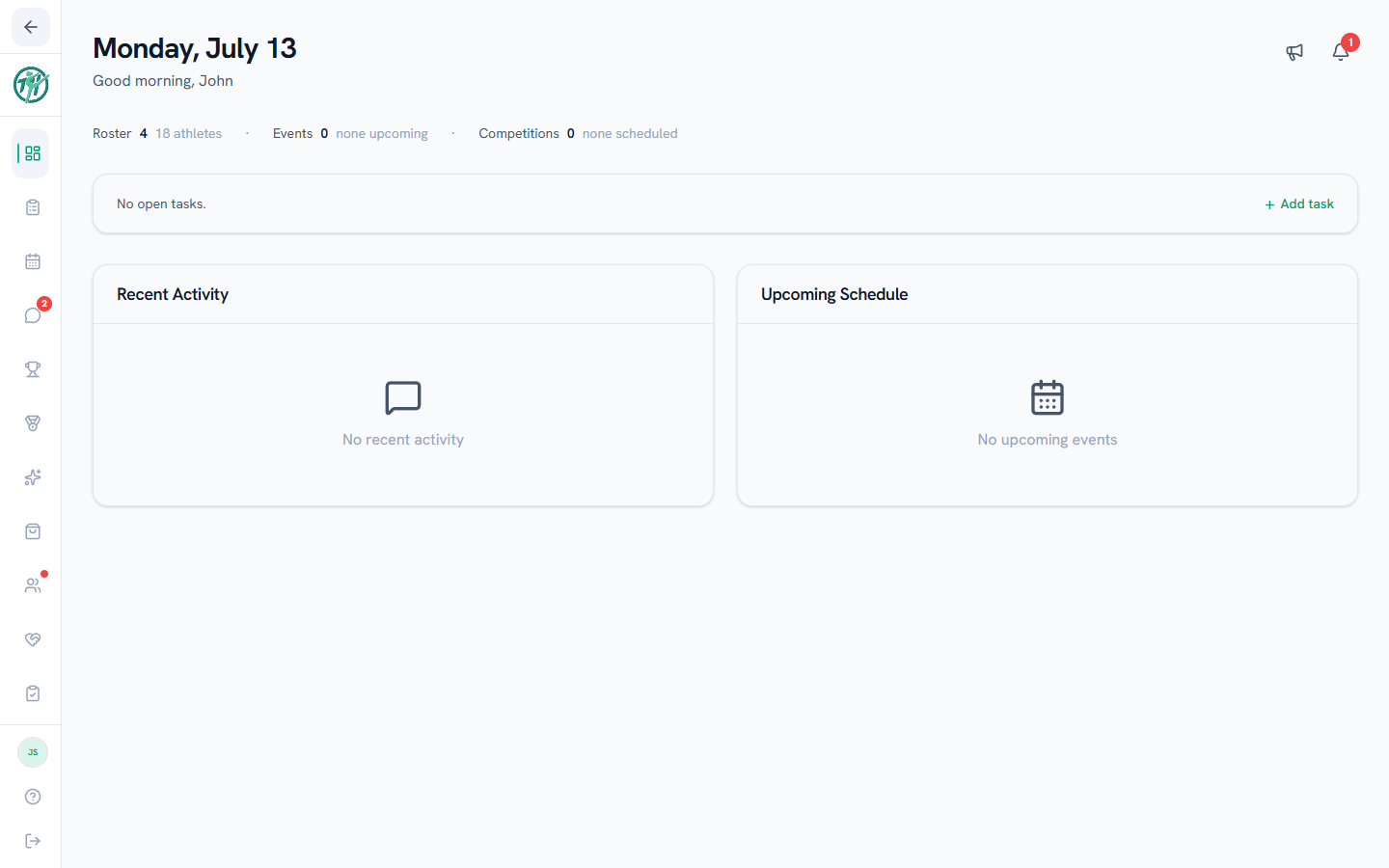
Staff dashboards add the program-management layer:
- Program summary — Members (everyone in the hub, with the athlete count beside it), upcoming Events, and scheduled Meets at a glance, each linking to its tab. When a camp is coming up, Camps shows beside Meets.
- Tasks — tasks assigned to you, with quick complete-as-you-go checkboxes and an Add task button.
- Create announcement — publish an announcement to the hub straight from the dashboard (see Creating announcements).
- Active announcements — a card tracking responses to announcements currently running, with a recipient list and CSV export.
Owners & directors
Owners and directors also see pending time-off requests from staff on the dashboard, so approvals don't wait.
Last updated September 25, 2026
New to Gym TeamHub?
One organized hub for your whole gymnastics program — built by a coach.
Start Your Gym