Posts, photos, and files
Posting in a Gym TeamHub group — updates with photos and files, reactions, comment threads, pinning, and cross-posting.
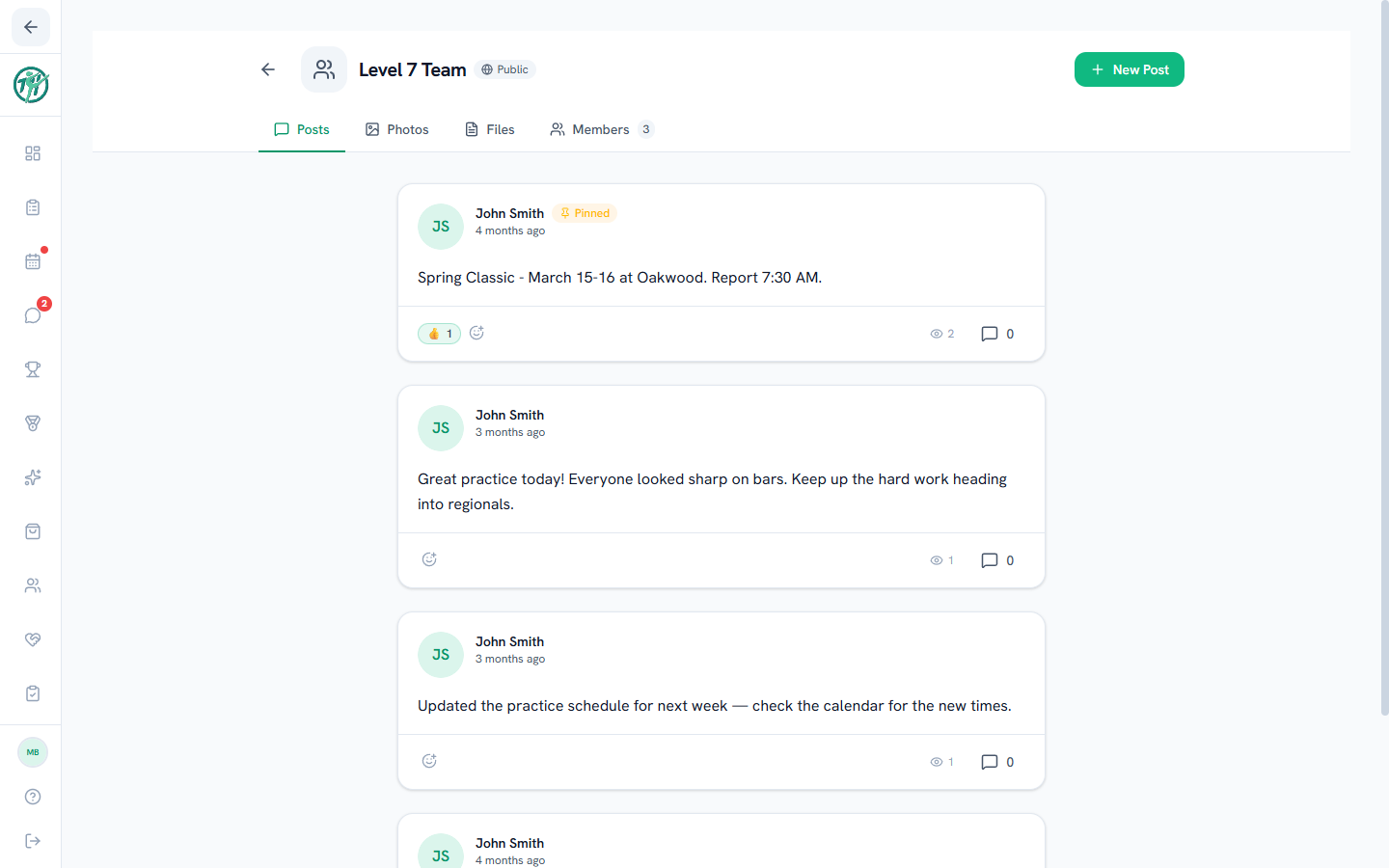
The Posts tab is a group's feed. Anyone in the group can post — an update, a batch of meet photos, a document — and every post collects reactions and comments beneath it.
Creating a post
- Inside a group, choose New Post.
- Write your update and attach what you need: photos, files, or one of the interactive blocks — a poll, sign-up list, or RSVP.
- Post it — everyone in the group sees it in the feed.
The first time you open the composer, a quick walkthrough shows you the tools.
Reactions and comments
Every post has reactions and a comment thread in its footer — a 🎉 or a quick comment keeps the feed lively without burying it.
Managing posts
On your own posts, the corner menu lets you edit or delete.
Coaches & staff
Group admins get the same menu on any post, plus two extras: pin a post to keep it at the top of the feed, and cross-post to share it into other groups without rewriting it.
Photos and Files tabs
Everything shared in posts is also collected by type: the Photos tab is the group's gallery, and Files gathers every document — so that meet packet from three weeks ago is two taps away, not buried in scrollback.
Last updated September 24, 2026
New to Gym TeamHub?
One organized hub for your whole gymnastics program — built by a coach.
Start Your Gym