Writing messages — photos, GIFs, reactions, and replies
Everything in the Gym TeamHub message composer — attaching photos and audio, sending GIFs, reacting with emoji, replying to a message, and deleting.
The composer at the bottom of every conversation does more than text. Here's the full toolkit — it works the same in channels and direct messages, on web and mobile.
Attachments
The paperclip attaches photos and files to your message; audio files work too. On mobile you can pick from your photo library or take a picture on the spot.
GIFs
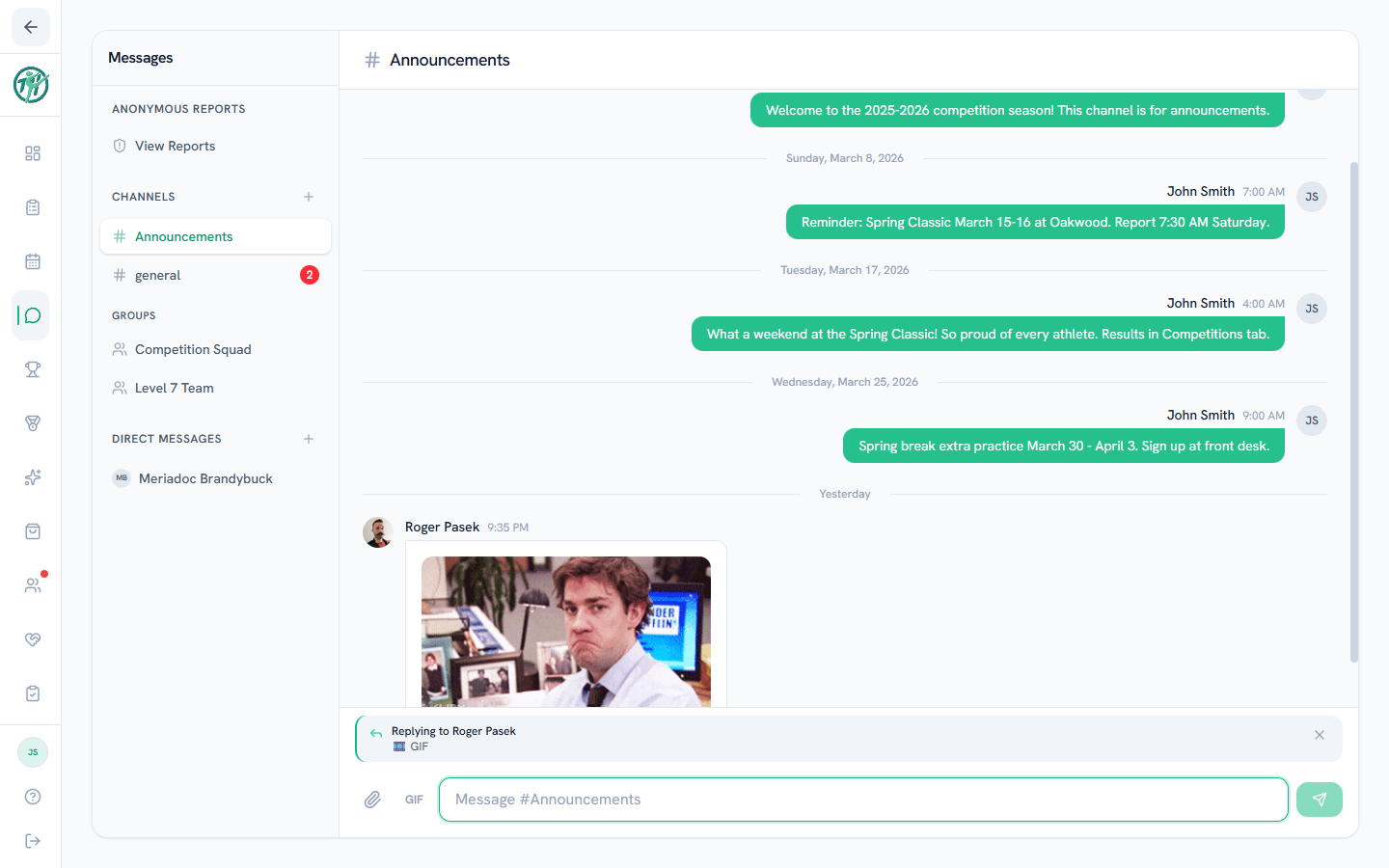
The GIF button next to the paperclip opens a searchable GIF picker — pick one and it drops straight into the chat.
Reactions
Hover over any message (long-press on mobile) and choose an emoji to react. Reactions stack up under the message so a quick 👍 or 🎉 doesn't need its own reply.
Replying to a specific message
Busy channel and you want to answer something from earlier? Hover (or long-press) the message and choose Reply. Your message is sent with a quote of the original — tapping the quote jumps back to the original message, so everyone can follow the thread.
Deleting a message
You can delete your own messages from the same hover/long-press menu. Deleted messages disappear for everyone in the conversation.
Tip
If a reply quotes a message that was later deleted, the quote shows "(message deleted)" — the thread still reads sensibly.
Last updated July 13, 2026
New to Gym TeamHub?
One organized hub for your whole gymnastics program — built by a coach.
Start Your Gym